By Anthony Baker
Passwords have been protecting business accounts for decades.
But passwords are no longer enough.
Cybercriminals have become increasingly effective at stealing credentials through phishing, social engineering, credential stuffing, and other attacks. Even multi-factor authentication (MFA), while still an important layer of security, isn't equally effective across every authentication method.
Microsoft is responding to that changing threat landscape with a major shift in how users authenticate to Microsoft Entra ID.
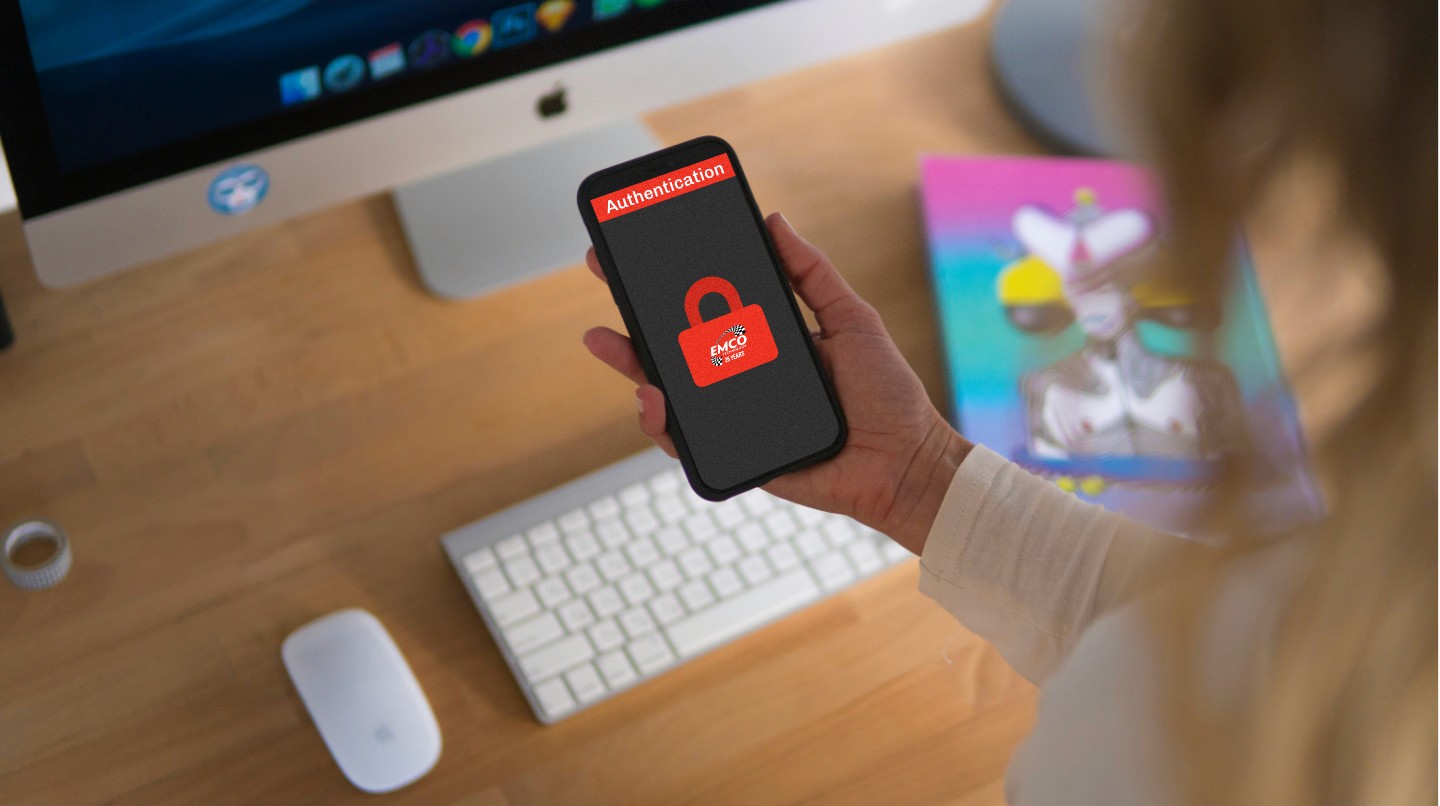
Beginning September 1, 2026, Microsoft Entra ID is making passkeys the default authentication experience for users who are currently enabled for SMS or voice authentication. Microsoft is also planning to retire Microsoft-provided SMS and voice authentication on February 1, 2027.
For businesses using Microsoft 365, Microsoft Entra ID, or other Microsoft cloud services, this is more than a minor configuration change.
It is a sign of where business cybersecurity is headed.
What Are Microsoft Entra Passkeys?
A passkey is a modern authentication method designed to replace traditional passwords and provide stronger protection against phishing.
Instead of relying on a password or a code sent through text message, passkeys use cryptographic credentials associated with a user's device or credential manager.
In practical terms, this can allow employees to authenticate using methods such as:
Windows Hello
A device-based passkey
A security key
Microsoft Authenticator passkeys
A synchronized passkey stored in a supported credential manager
Microsoft describes passkeys as a phishing-resistant authentication method because they use cryptographic keys rather than shared secrets such as passwords or one-time SMS codes.
For the employee, the experience can actually be simpler.
For the business, the security benefits can be significant.
Why Is Microsoft Moving Away From SMS Authentication?
For years, receiving a verification code through text message was considered a major improvement over using a password alone.
And it still provides more protection than a password by itself.
The problem is that attackers have learned how to target the systems surrounding SMS-based authentication.
Cybercriminals can use phishing attacks to convince employees to provide authentication codes. They can also use techniques such as SIM swapping and social engineering to gain control of a victim's phone number.
Microsoft now considers SMS and voice among the weaker authentication methods available.
The company states that the move toward passkeys is primarily driven by security and the industry's transition toward phishing-resistant authentication.
The lesson for businesses is important:
Not all MFA is created equal.
Turning on MFA is a great first step. But organizations should also consider which MFA methods their employees are using.
What Is Changing in Microsoft Entra ID?
Microsoft's transition is happening in stages.
September 1, 2026: Passkeys Become the Default
Starting September 1, Microsoft is making passkeys the default authentication experience in Microsoft Entra ID.
Users who are currently enabled for SMS or voice authentication will be automatically included in the passkey experience.
This doesn't necessarily mean every employee will immediately stop using SMS.
It does mean organizations should begin preparing their users for the transition.
February 1, 2027: Microsoft-Provided SMS and Voice Authentication Retire
The bigger deadline is February 1, 2027.
On that date, Microsoft-provided SMS and voice authentication will be retired from Microsoft Entra ID.
Organizations that continue relying on SMS or voice will need to migrate users to phishing-resistant authentication methods or configure an alternative customer-managed telecommunications provider where appropriate.
Microsoft also warns that users whose only available MFA method is SMS or voice may be required to register a passkey during sign-in after the retirement date.
That registration prompt will be blocking, meaning users will need to complete the registration before continuing to sign in.
For an organization with dozens or hundreds of employees, waiting until February to address this could create unnecessary help desk requests and interruptions.
Why This Matters for Small and Mid-Sized Businesses
Large enterprises often have dedicated identity and security teams monitoring changes like these.
Small and mid-sized businesses don't always have that luxury.
For many organizations, Microsoft 365 is simply the system employees use every day.
Email, Teams, SharePoint, OneDrive, applications, documents, and other business resources may all depend on Microsoft Entra ID for authentication.
That makes identity security one of the most important parts of a company's overall cybersecurity strategy.
A compromised Microsoft 365 account can potentially give an attacker access to sensitive business information, internal communications, files, and other connected resources.
That's why authentication shouldn't be treated as a simple IT checkbox.
It should be part of a larger cybersecurity strategy.
Passkeys Are About More Than Passwordless Login
It is easy to look at passkeys and think:
"This is just a new way to log in."
It is much more than that.
Passkeys represent a broader shift from authentication based on something you know toward authentication that can incorporate something you have and cryptographic proof tied to a legitimate device or credential.
Traditional passwords are attractive targets because they can be:
Stolen
Reused
Shared
Phished
Guessed
Exposed through data breaches
Passkeys are designed differently.
The cryptographic credentials used for passkey authentication are designed to resist phishing, replay attacks, and certain forms of credential theft. Microsoft also identifies resistance to SIM-swap attacks as one of the security advantages of passkeys.
That doesn't mean passkeys make an organization invincible.
No single security technology does.
But stronger authentication can significantly improve an organization's security posture when it is implemented as part of a broader security strategy.
What Should Your Business Do Now?
If your organization uses Microsoft 365, now is a good time to review your authentication policies.
Here are several steps businesses should consider.
1. Identify Employees Using SMS or Voice MFA
Start by determining which users are currently relying on SMS or voice authentication.
Those users are the most obvious candidates for migration.
Your IT provider or Microsoft 365 administrator should review your organization's authentication methods and policies.
2. Enable Appropriate Passkey Options
Passkeys should be introduced in a way that makes sense for your environment.
Microsoft Entra supports different passkey approaches, including synchronized passkeys and device-bound passkeys. Organizations should evaluate which options are appropriate based on their security requirements, devices, workflows, and compliance obligations.
3. Educate Your Employees
Technology changes are only successful when employees understand them.
If an employee suddenly receives a prompt asking them to register a passkey, they may not know whether the prompt is legitimate.
Communication matters.
Employees should understand:
Why the company is making the change
What a passkey is
What they need to do
What the legitimate registration process looks like
Who to contact if they have questions
Good cybersecurity isn't just about technology.
It's about people, processes, and technology working together.
4. Review Your Entire MFA Strategy
Don't stop with passkeys.
Use this transition as an opportunity to review your broader authentication strategy.
Ask:
Are all employees required to use MFA?
Are administrators protected with stronger authentication?
Are legacy authentication methods still enabled?
Are former employees properly removed?
Are privileged accounts properly protected?
Are conditional access policies configured correctly?
Are unmanaged devices restricted from accessing sensitive information?
Are authentication logs being monitored?
A passkey is powerful.
But it is only one piece of an effective cybersecurity strategy.
5. Plan Before the Deadline
February 1, 2027 may seem far away.
It isn't.
Organizations with many employees, multiple locations, legacy systems, or complex authentication requirements should begin planning now rather than waiting until users start experiencing problems.
Proactive planning gives your IT team time to test changes, communicate with employees, resolve compatibility issues, and deploy new policies without disrupting business operations.
What About Employees Who Still Need SMS?
Microsoft's retirement does not mean every organization is completely prohibited from using SMS or voice authentication forever.
Microsoft has indicated that organizations that still require these methods can configure customer-managed providers through the Microsoft Security Store.
However, businesses should carefully consider whether continuing to rely on weaker authentication methods makes sense for their risk profile.
The goal shouldn't simply be:
"How do we keep SMS working?"
The better question is:
"How do we provide our employees with the strongest practical authentication available for our environment?"
That is a much more strategic approach to cybersecurity.
Cybersecurity Is an Ongoing Process
The transition to passkeys is a good example of why businesses shouldn't think about IT as something that is simply installed and forgotten.
Technology changes.
Threats change.
Microsoft changes its platforms.
Attackers change their tactics.
And businesses change too.
The security strategy that made sense three years ago may not be the strategy your organization needs today.
At EMCO Technology, we believe technology should work for your business—not become another source of unnecessary complexity.
Our approach to managed IT starts with understanding your environment, identifying potential problems, and building practical solutions around your organization's needs. We monitor systems continuously, provide proactive maintenance, and layer security protections around the technology your business depends on.
That philosophy is reflected in one of our core values: Intentionality.
We believe in delivering the right technology at the right time—solutions that fit your business today while giving you room to grow tomorrow.
Passkeys are a good example.
The goal isn't to adopt new technology simply because it is new.
The goal is to understand why the technology exists, determine whether it makes sense for your business, and implement it correctly.
Is Your Business Ready for Microsoft's Passkey Transition?
If your business relies on Microsoft 365, Microsoft Entra ID, or SMS-based MFA, now is the time to review your authentication strategy.
The February 1, 2027 retirement deadline gives businesses time to prepare—but waiting until the deadline arrives could turn a planned security improvement into an unexpected IT problem.
Cybersecurity isn't about reacting to the latest threat.
It's about preparing for what comes next.
If you're not sure how your organization's Microsoft 365 authentication is configured, EMCO Technology can help you evaluate your current environment and develop a practical path forward.
Because the best time to fix an IT problem is usually before it becomes one.
Services
© 2026 EMCO Technology, Inc. All rights reserved.